
Body by Coach Jeff clients: MyFitnessPal is optional. Your meal plan is already in the MyPTHub Nutrition tab, and the BCJ foods there match your plan amounts. If you prefer MyFitnessPal, use this guide and connect it to MyPTHub (step 5) so I can still see your logs. All client guides: Client Resources.
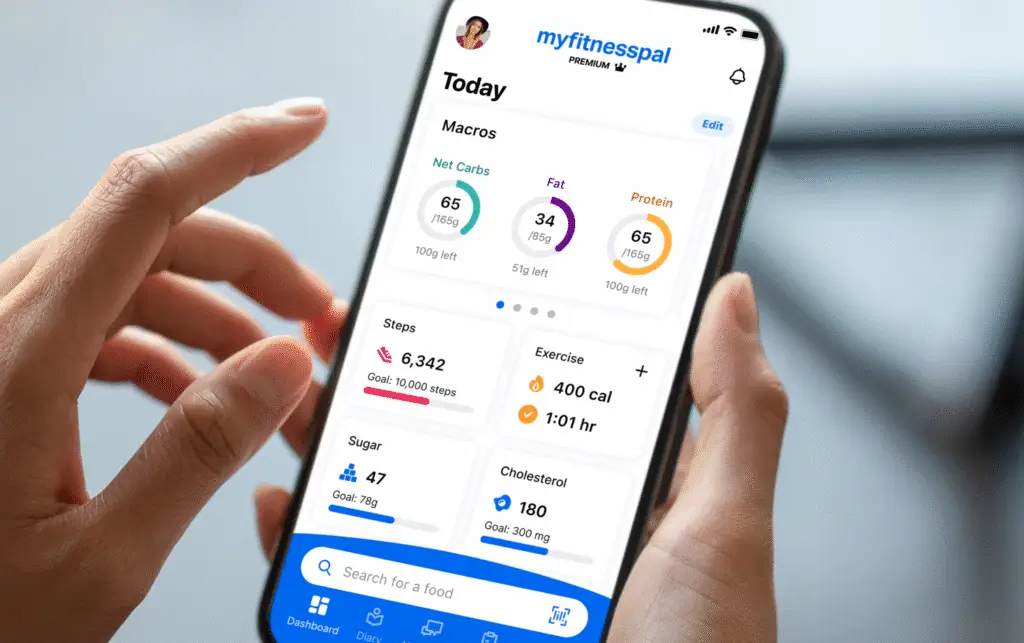
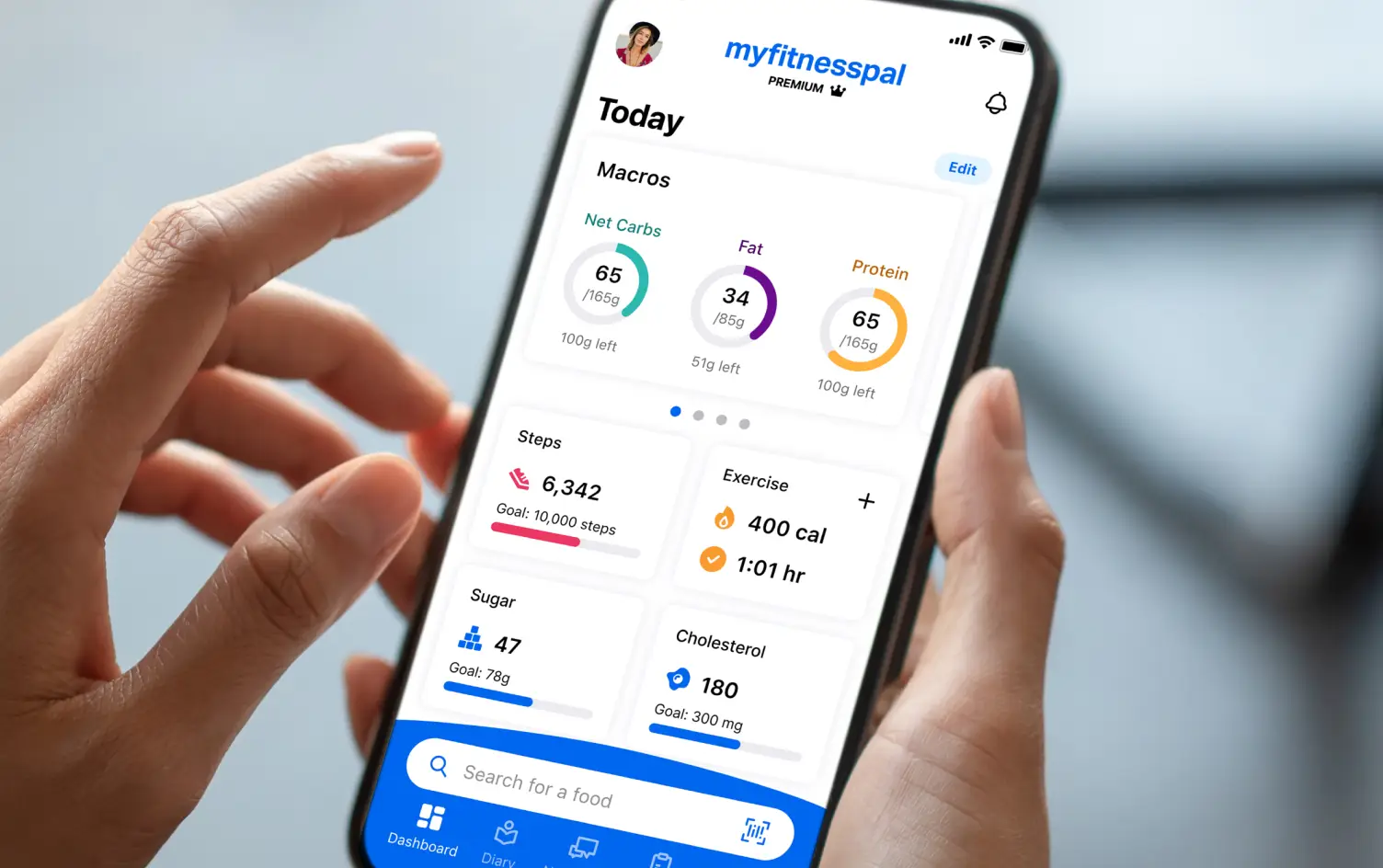
Food tracking is one of the most powerful habits you can build. MyFitnessPal (MFP) is one of the most popular apps for it, and the free version is enough. This guide covers setting up the calories and macros I give you, logging food accurately, and syncing MFP with MyPTHub so I can see your food diary.
1. Create your free account
Download MyFitnessPal from the App Store or Google Play and sign up. Enter your age, weight, height and goal. Ignore the calorie target MFP suggests at the start. You’ll replace it with the targets from your program in the next step.
Free for readers: get Pinoy Protein Plate, my free protein-first guide for Filipinos.
2. Set your calories and macros
- Open the app, tap More (or your profile), then Goals.
- Under Nutrition Goals, tap Calorie, Carbs, Protein and Fat Goals.
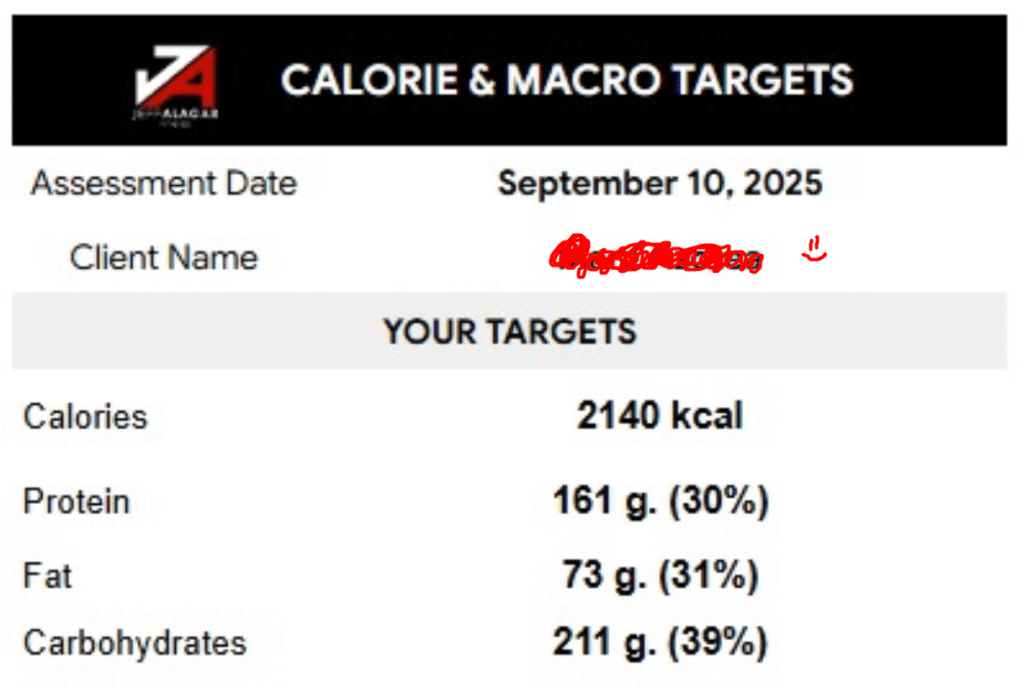
- Set Calories to the daily total from your meal plan.
- Set your macros. In the free version these are percentages, not grams, and they move in 5% steps. Adjust protein, carbs and fat until the total is 100% and the gram amounts shown are as close as possible to your targets.
- Save. Your diary now tracks against your program targets.
Small differences from rounding to 5% are fine. Protein is the one to stay closest to.
3. Log your food accurately
- Go to Diary and tap Add Food under the meal (Breakfast, Lunch, Dinner, Snacks).
- Search the food. For whole foods, add “USDA” to the search (for example “USDA chicken breast”) or pick entries with a green check mark, since those are verified.
- For packaged foods, use the barcode scanner next to the search bar. If it’s locked behind Premium in your region, search the brand and product name instead.
- Adjust the serving size. This is the step most people skip. If the entry is per 100 g and you ate 150 g, set Number of Servings to 1.5.
- Eating the same meal again? Use Recent, Frequent or My Meals to add several items at once.
4. Three rules for better tracking
- Measure like your meal plan says. Use the same units as your plan (cups, tablespoons, pieces). A food scale in grams is the most accurate if you have one.
- Don’t eat back exercise calories. MFP adds calories when you log steps or workouts. Ignore them and stick to the target I set.
- Log as you go. Logging right after eating, or even the night before, is far more accurate than trying to remember at the end of the day.
5. Sync MyFitnessPal with MyPTHub
This step is important for my clients. Connecting the two lets me see your food diary, calories and macros inside MyPTHub.
- Open Settings in the MyPTHub app.
- Go to Integrations.
- Select MyFitnessPal and log in with your MFP account.
- Allow the permissions so your logged food syncs automatically.
The goal
You don’t need to be perfect. Aim to be within about 50 calories of your calorie target and 10 g of your protein target most days. Consistency over weeks beats one perfect day.
Questions about MyFitnessPal or syncing? Message me on WhatsApp.
~ Coach Jeff
Coach's Stack
The supplements, gear and equipment Coach Jeff actually uses and recommends to clients.



Body by Coach Jeff may earn a commission when you buy through these links, at no extra cost to you. Supplements are not a substitute for a balanced diet; check with your doctor if you have a medical condition or take medication. Visit the shop →